Build your own website themes for Sitebill Community Edition
You can now write a site theme in Vue 3 and Tailwind CSS and upload it in the admin panel as a single zip file. No Docker image rebuild needed. The SDK, a starter theme and the documentation are open.
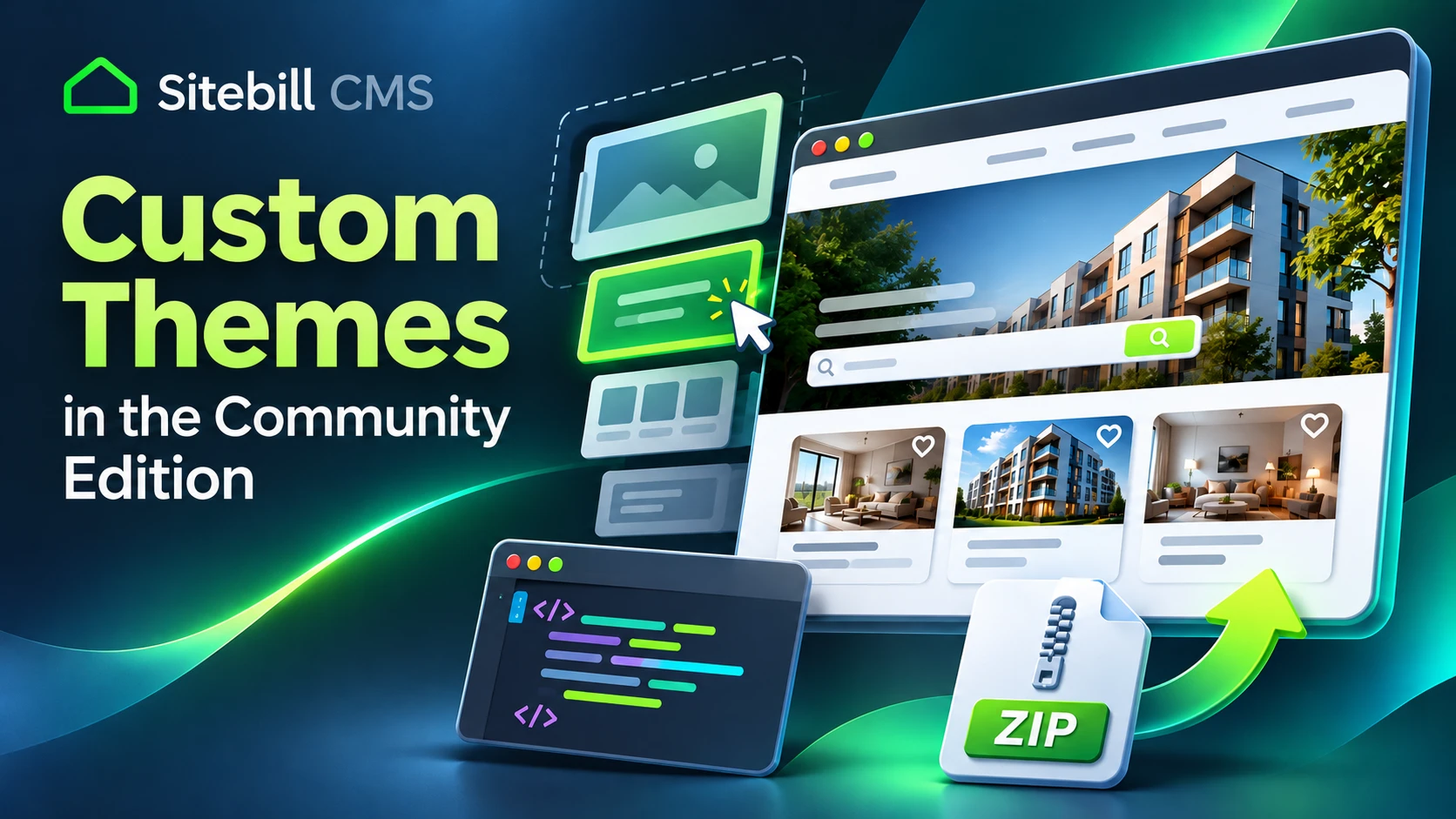
We have added custom themes to the Sitebill Community Edition. Your agency website is no longer limited to the built-in themes: a developer writes a theme in plain Vue 3 and Tailwind CSS, builds it into a .zip and uploads it in the admin panel. The Docker image stays stock, and platform updates keep working.
What you can change
A theme replaces the header, footer, hero section, the property card in listings and the property page, and optionally the blocks of the home page. Any slot you do not replace falls back to the default theme, so you can start with just a header and change the rest gradually.
The theme gets site data through a typed contract: properties, filters, favorites, contacts, settings. You do not have to deal with the API directly. The contract version is 1.x and fields are only added within it, so your theme will not break when the platform is updated.
How to create a theme
- You need Node.js 22.12 or newer. Take the starter theme and install dependencies:
git clone https://github.com/Sitebill/sitebill-theme-starter my-theme cd my-theme npm install npm run dev # http://localhost:5180 npm run build # dist/ + zip - The
npm run devsandbox opens athttp://localhost:5180with hot reload and demo data. - Edit the components of the starter theme: header, footer, card. Site elements (links, favorites and others) are available as ready-made
Sb*wrappers from the SDK. - Run
npm run build. You get a.zipvalidated the same way the site will validate it on upload. - Open your site's admin panel, the Custom themes section, upload the archive and check the preview. If everything looks good, enable the theme.
Links
- SDK: github.com/Sitebill/sitebill-theme-sdk (npm package
@sitebill/theme-sdk) - Starter theme: github.com/Sitebill/sitebill-theme-starter
- Developer documentation: etownpro-developers-docs/docs/themes
The SDK and the starter theme are open source (MIT license). Questions and suggestions about the theme contract are welcome.